

FrostCandy Home

DOWNLOAD AgentGO

Download the AgentGO distribution package, unzip it, run the included executable, and open AgentGO in your browser at http://localhost:5226.

DOWNLOAD AgentGO.zip


Revision: 433 - SHA256 Verification:
afb1f57c59278b2dcff95bfb243b84c75bdb1786d706076dd5aa3dd375e5e199
Windows: certutil -hashfile AgentGO.zip SHA256
Linux/macOS: sha256sum AgentGO.zip
Start here

Start with what you want AgentGO to do.

Choose a workflow for code projects, model comparison, large-project context, research, deeper reasoning, single-file revision, automation, or media generation. You can begin with one tool and explore the rest when you need them.

1. Pick the goal

Choose the path that matches the job: build, compare, research, revise, automate, or generate media.

2. Learn the core flow

AgentGO centers on projects, AI workers, useful context, human review, and controlled changes.

3. Expand when needed

Start with the tools that fit your task instead of learning every part of AgentGO at once.

Wave / Loop Iteration
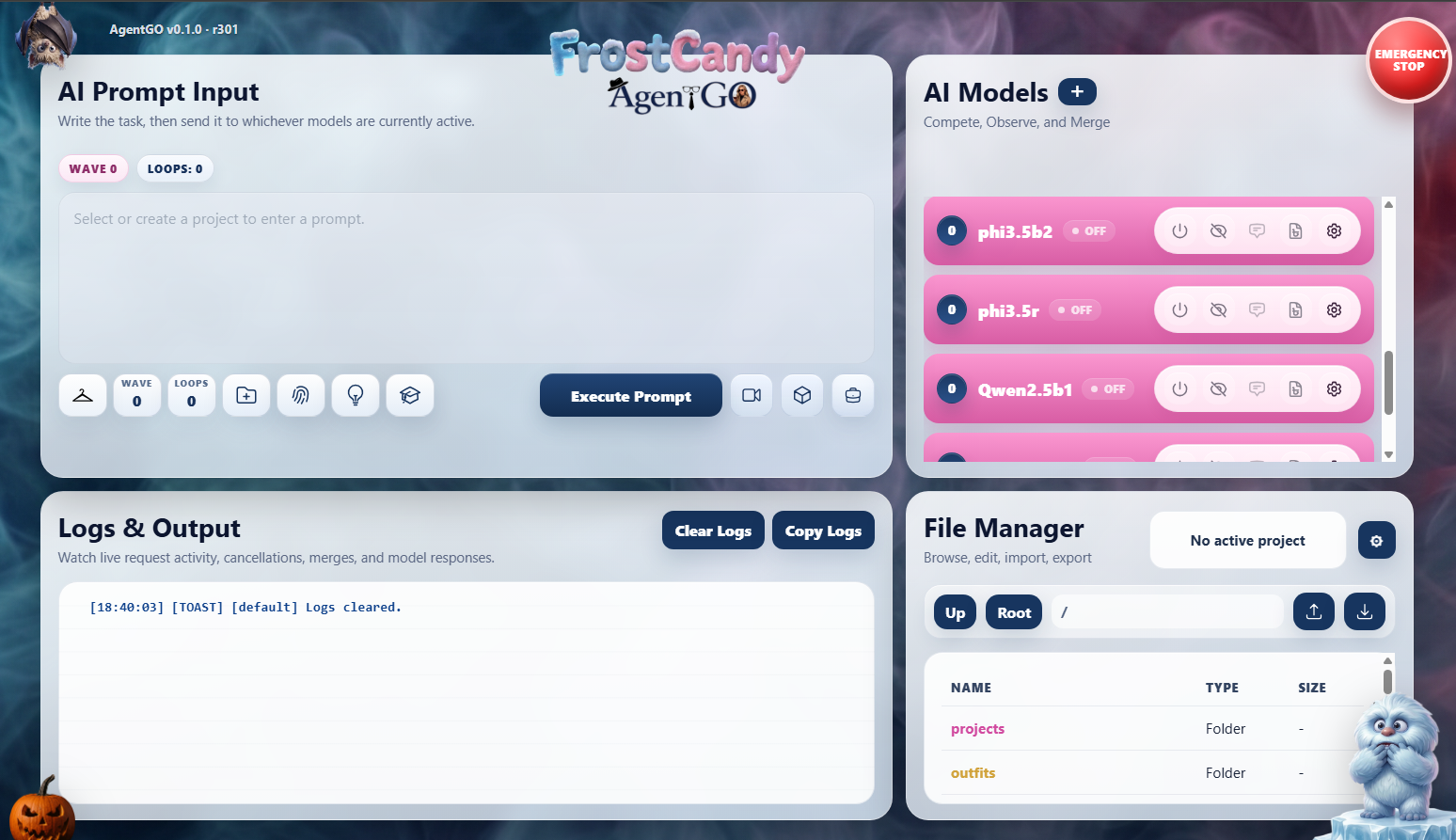
Run a prompt through a repeatable series of AI passes, review the result, and continue refining it when the job needs another round.
Worker AI & Observer
Let a Worker handle the task while an Observer follows the process, checks progress, and helps catch problems before changes are accepted.
Chat To AI
Talk directly with the selected AI model for quick questions, brainstorming, explanations, or one-off help without starting a larger workflow.
Outfits
Save reusable combinations of models, prompts, tools, and settings so familiar jobs can be launched without rebuilding the setup each time.
WireTap
Gather outside information, compare useful sources, and bring research back into your project while keeping the supporting material organized.
Cypher
Turn a large project into focused, searchable context so the AI can work with the files that matter without being overwhelmed by everything at once.
DoubleTap
Send a problem through an additional reasoning pass so another model or prompt can challenge, verify, or improve the first answer.
Video
Create and manage AI video jobs through supported providers while keeping the request, results, and related project files together.
3D Mesh
Generate 3D mesh assets through supported APIs and keep the resulting files organized inside the same AgentGO workspace.
DeadDrop
Drop in a single file for a focused AI revision when you do not need to load or share the rest of a larger project.
Pumpkin Notes
Keep lightweight local notes beside your work for reminders, ideas, useful prompts, and small details you do not want to lose.
Work Mode
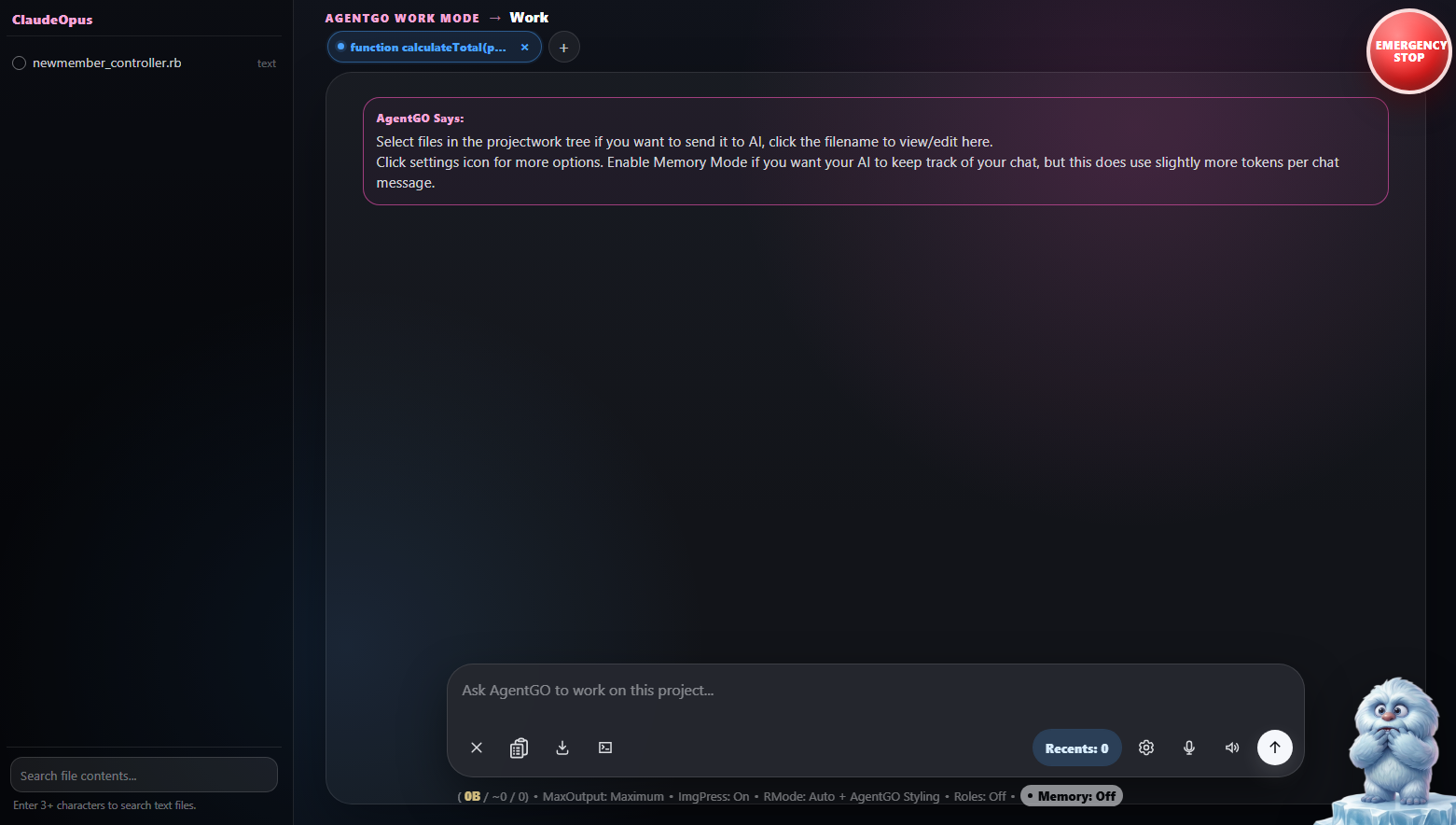
Set up a focused space for the current job so the relevant project context, controls, and working materials stay close at hand.